Products |
||||||||||||||||||||||||||||||||||||||||||||||||||||||||||||||||||||||||||||||||||||||
Advanced PDF Password Recovery![]() Recover PDF Passwords and Instantly Remove PDF RestrictionsGet access to password-protected PDF files quickly and efficiently! Instantly unlock restricted PDF documents by removing printing, editing and copying restrictions! Advanced PDF Password Recovery recovers or instantly removes passwords protecting or locking PDF documents created with all versions of Adobe Acrobat or any other PDF application. Features and Benefits
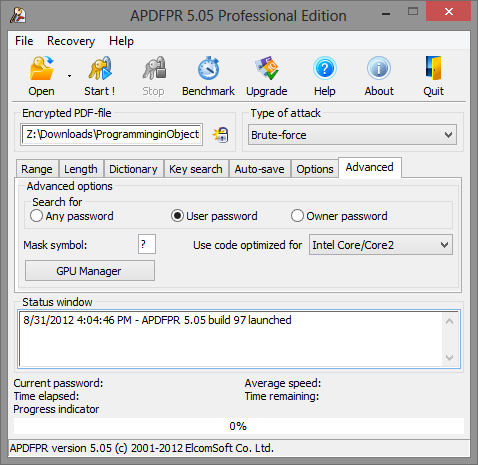
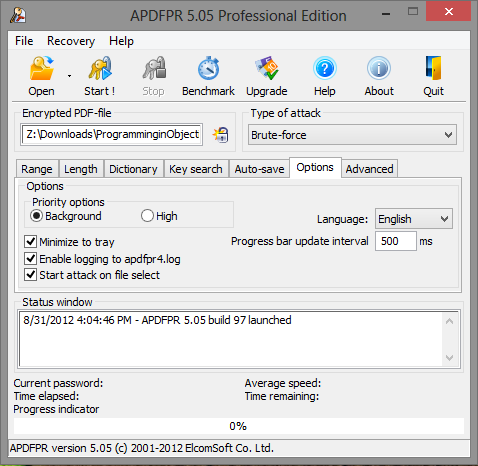
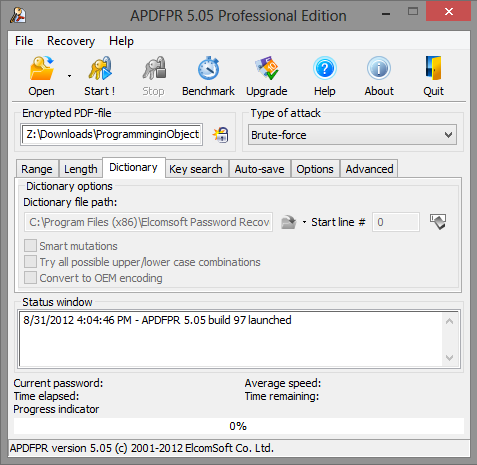
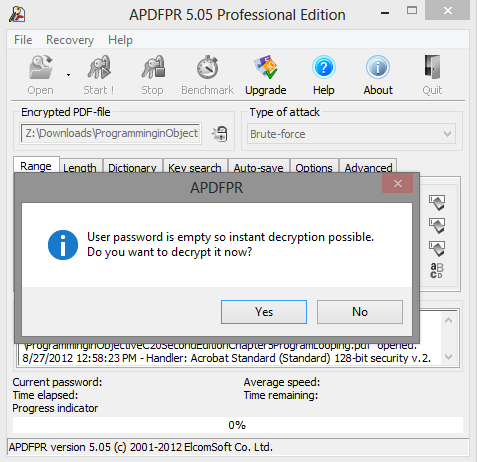
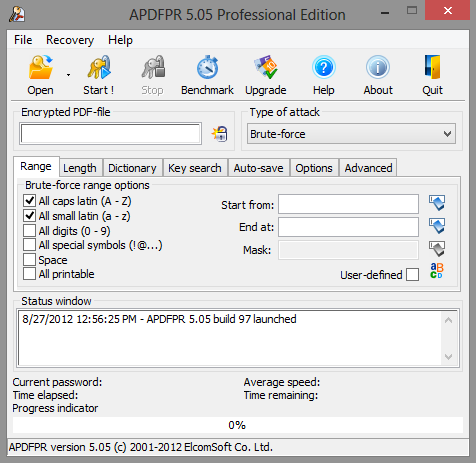
Instant Access to Restricted PDF DocumentsRemove annoying restrictions from PDF files! Advanced PDF Password Recovery instantly unlocks PDF documents that restrict you of printing, editing or copying of data to clipboard. This is by far the most common protection found in PDF files. If you can open a document without a password, but cannot print it at all or are restricted to low-quality output, or if you cannot copy data to clipboard or cannot edit the document, read no further and get Advanced PDF Password Recovery Standard edition! Passwords to OpenWhat if you can’t open a PDF document at all without knowing the correct password? In that case, you’ll need the password recovery feature found in the Professional and Enterprise editions of Advanced PDF Password Recovery. The PDF format specifies two types of protection: the weak 40-bit and the strong 128-bit encryption. Advanced PDF Password Recovery guarantees the recovery of 40-bit keys by attacking the encryption key instead of attempting to guess the password. While the Professional edition takes up to several days to recover a PDF document protected with a 40-bit key, the Enterprise edition can unlock an encrypted PDF in a matter of minutes! Thunder Tables™ Technology (Patent Pending)The unique Thunder Tables™ technology developed by ElcomSoft uses pre-computed tables to significantly speed up the recovery of 40-bit keys. The technology is available in the Enterprise edition, and will unlock a protected document in a matter of minutes instead of days. Strong Password RecoveryIf the PDF is protected with a strong 128-bit key, Advanced PDF Password Recovery performs a range of attacks on the PDF file document in order to obtain the original password. But even then you’re not left without options! Dictionary AttackMost passwords used by living beings are based on a word or phrase. Performing a dictionary attack by attempting different combinations of cases and variations of words and characters before reverting to a comprehensive brute-force attack allows for considerate time savings shall the attack succeed. Brute Force AttackIf the password does not fall into any dictionary, Advanced PDF Password Recovery attempts all possible combinations of passwords by performing the brute force attack. The highly optimized low-level code provides the best-in-class performance for the brute-force password recovery. Multi-threaded optimization ensures optimum performance on the modern multi-core CPUs. Additional NotesMac Computers and Virtual PC: Advanced PDF Password Recovery does not run on Virtual PC and a Mac as a host computer. DRM and Third-Party Security Plug-ins: Advanced PDF Password Recovery does not support PDF files protected using Digital Rights Management (DRM) technology or any third-party party security plug-ins such as FileOpen (FOPN_fLock). New in Version 4.0: Thunder Tables™ technology available in the Enterprise edition guarantees the recovery of 40-bit PDF files, and allows cleaning JScript code, form fields and digital signatures from PDF files (available in the Professional and Enterprise editions). Compatibility Chart
|
| |||||||||||||||||||||||||||||||||||||||||||||||||||||||||||||||||||||||||||||||||||||